MORN. / MORNING
SIM or eSIM in Almaty: data, a phone number and registration
Mobile data or a local number for your first hours in Almaty, getting the phone ready and understanding the separate registration steps.
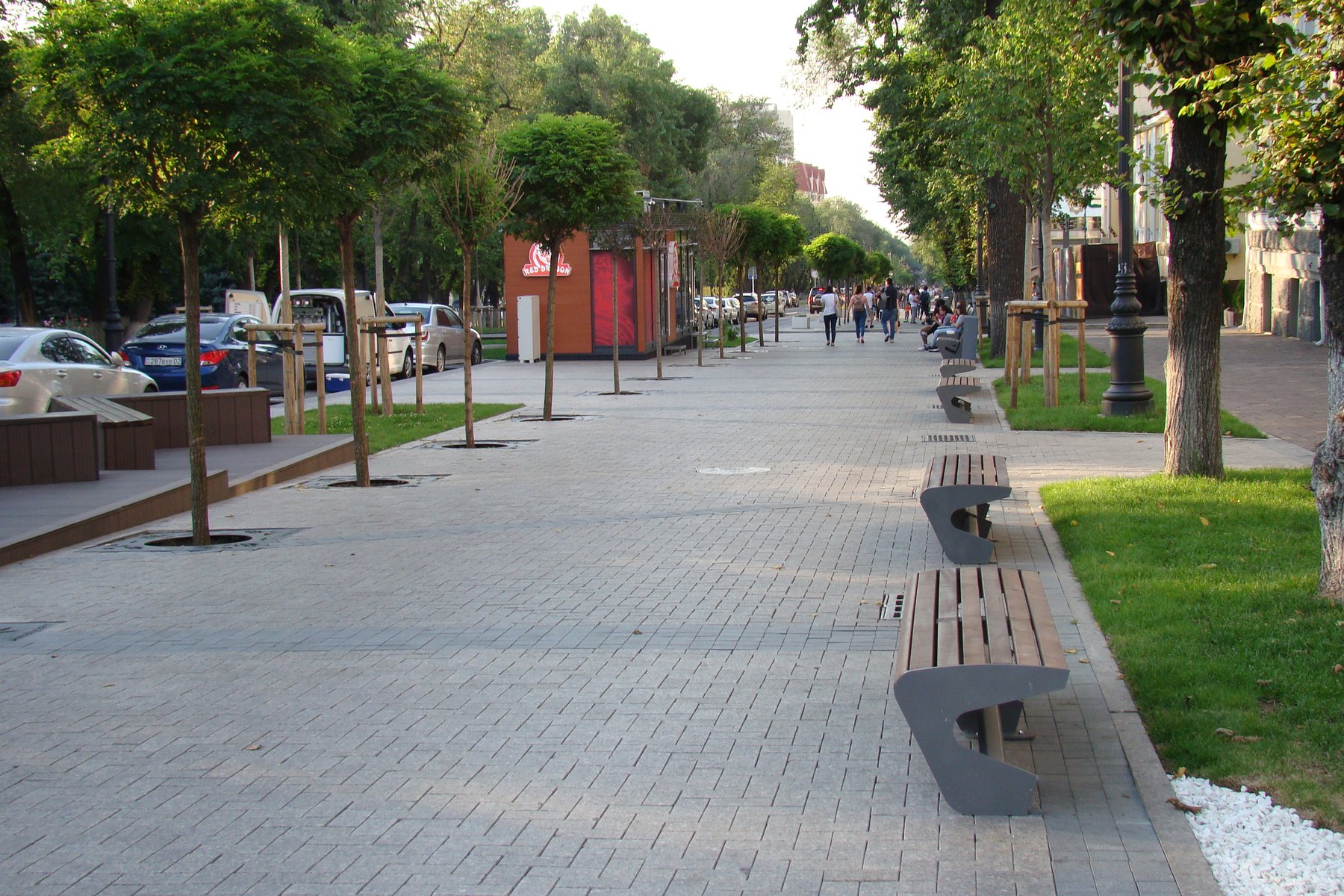
In Almaty, a working map and a way to message your accommodation can make the first few hours much simpler. For that, mobile data may be enough. A local phone number is a different purchase: you may want it for calls or for a service that sends a text message. The word “eSIM” doesn't tell you which of those you're getting.
Internet first, or a local number too?
An eSIM is the way a plan is installed on your phone, not a promise of calls and texts. Airalo's explanation, updated on 11 October 2026, separates data-only plans without a number from plans with data, calls and texts. The useful bit is that distinction: the actual Kazakhstan offer still needs to say what it includes and which country's number, if any, comes with it.
If a particular app is the reason you want a number, look at its requirements before buying one. A local number doesn't guarantee that every verification text will arrive. For maps and online messages, compare the data allowance, coverage and validity instead. You can also keep a home line for calls or texts while another line supplies data, if your phone and operators support it; the home line's roaming charges still need attention.
Before buying another plan, check what your home operator already includes in Kazakhstan. Choose by the job you need the connection to do:
- Keep your home plan if its roaming allowance and total charges suit the trip. It keeps your existing number, not a Kazakh one.
- Use a travel data eSIM for maps and online messages. Check compatibility, validity and the actual calls or SMS included, rather than assuming the format supplies them.
- Get a local SIM or eSIM when you need the services of a Kazakh number. Confirm the purchase route for your document and test the particular service you need.
- Consider Kcell through QazETA for a documented local eSIM route, with the conditions below. It is not a connection for the period before passport control.
Compare the total cost for your stay, not just an advertised starting price. If you need two plans, count both.
Get the phone ready while you have Wi-Fi
Check the exact model and regional version, not just the phone family. On iPhone, Apple's carrier-lock check is Settings → General → About: “No SIM restrictions” means unlocked, not that every eSIM plan will work. For Galaxy phones, use Samsung's model and regional guidance. If the phone is locked, ask your current carrier about unlocking before paying for another operator's plan.
Also ask which purchase and identification route accepts your document. Instructions for registering a physical SIM don't automatically describe how a visitor buys an eSIM remotely. The plan itself should spell out the data, number, calls and messages you're paying for.
Beeline's eSIM page explains the difference between getting a new number and replacing an existing SIM. Its installation instructions call for Wi-Fi. That is a good reason to read the steps before leaving your current connection, rather than discovering them when you need a map outside arrivals.
Buying the package is not the same as installing it. In his report of a June–July 2026 trip, Daniel Y says he bought a travel eSIM before leaving home but postponed installation until arrival. Almaty airport Wi-Fi was too weak for him to finish, so he installed it at his hotel. Read your chosen plan’s installation and activation instructions while you have a reliable connection, including what starts its validity period.
A local eSIM through QazETA: QazETA's Kcell instructions require an eSIM-compatible phone with a camera and NFC, a chipped biometric passport and face verification. Activation follows arrival and passport control; border-record updates can be delayed. Keep Wi-Fi available for installation and check the plan's services and top-up step in the app.
Test the connection, not just the installation message. After activation at your destination, select the intended mobile-data line and prevent automatic switching to your home line during the test. Follow your provider's connection settings, briefly turn Wi-Fi off and open a new webpage. Airalo's instructions, for example, distinguish installation from connecting; APN and roaming settings depend on the plan.
- The page will not load: reconnect to Wi-Fi and use your provider's help. Do not delete the profile at random.
- Browsing works, but an app's verification text does not: return to the phone-number requirements. Working data does not supply missing SMS service.
If you already have a Beeline SIM
There is a specific Beeline registration route for foreign citizens. In the instructions read on 2 November 2026, the website method starts with an existing number and the PIN1 on the SIM holder. It then uses the foreign-citizen option, passport information and identity verification. Keep that holder: it contains something this particular route needs.
Start from Beeline's official page and follow its registration link. Enter documents and codes there yourself. Passport images, PINs, activation QR codes and device identifiers shouldn't be sent to MORN, a chat or someone offering to sort it out for you. This is registration of an existing suitable SIM, not a shortcut around buying or identifying yourself for a different product.
What your chosen connection requires
Ask the operator which steps apply to your plan, phone and document. These are three different procedures:
- Number registration: the line is registered to you.
- Device association: the phone and SIM are linked to the same owner.
- State IMEI verification: the device's verification status is checked separately.
Confirmation of one does not confirm the other two.
Beeline's device-registration instructions include a passport-number route for foreign citizens and say that the SIM and device should belong to the same registered person. The page also describes an exclusion for devices using roaming. Whether that covers a travel eSIM depends on its actual operator and roaming arrangement, not the word “travel” on the package.
If state verification is required for your setup, Beeline’s explanation for foreign citizens and the official IMEI status checker are the relevant references. Ask the operator to explain any remaining steps for your device before making this connection your only way online.
A small backup for arrival
Plan for the moment you cannot load the plan. Travelling together? Ask: if the phone with mobile data loses its connection, can everyone still open the accommodation address and recovery instructions? Save a copy on each person's phone, not just a link in the group chat. Keep activation QR codes and personal documents private.
Before your allowance runs out, check how to buy more data and reach support. Save your setup instructions offline. Airalo's offline guide distinguishes its newer setup, which offers limited package/support access on an already configured device connected to a supported network, from its other app version's saved-instructions-only mode. Check your version; offline access is not the same everywhere.
Travelling alone? Keep the address and route offline on your own phone too. Our Almaty airport taxi guide covers getting into town.
A current price example
On 6 November 2026, Airalo’s Kazakhstan page displayed seven days of unlimited data for US$26.50. Check the current checkout price, fair-use limits and activation rules before buying; this is a data-plan example, not a local-number promise.
Questions before you go
Does an eSIM include a local number?
Not necessarily. Some eSIM plans provide data only. Check the specific plan for a number, calls and SMS before buying it for a service that requires text verification.
When should I install the eSIM?
While you have Wi-Fi and time to follow the provider instructions. Check device compatibility, activation timing and when the validity period starts.