MORN. / MORNING
How to pay for buses and the metro in Almaty
A token at the metro ticket office, or an ONAY card for the bus: buying the card, adding money and recognising a paid ride.
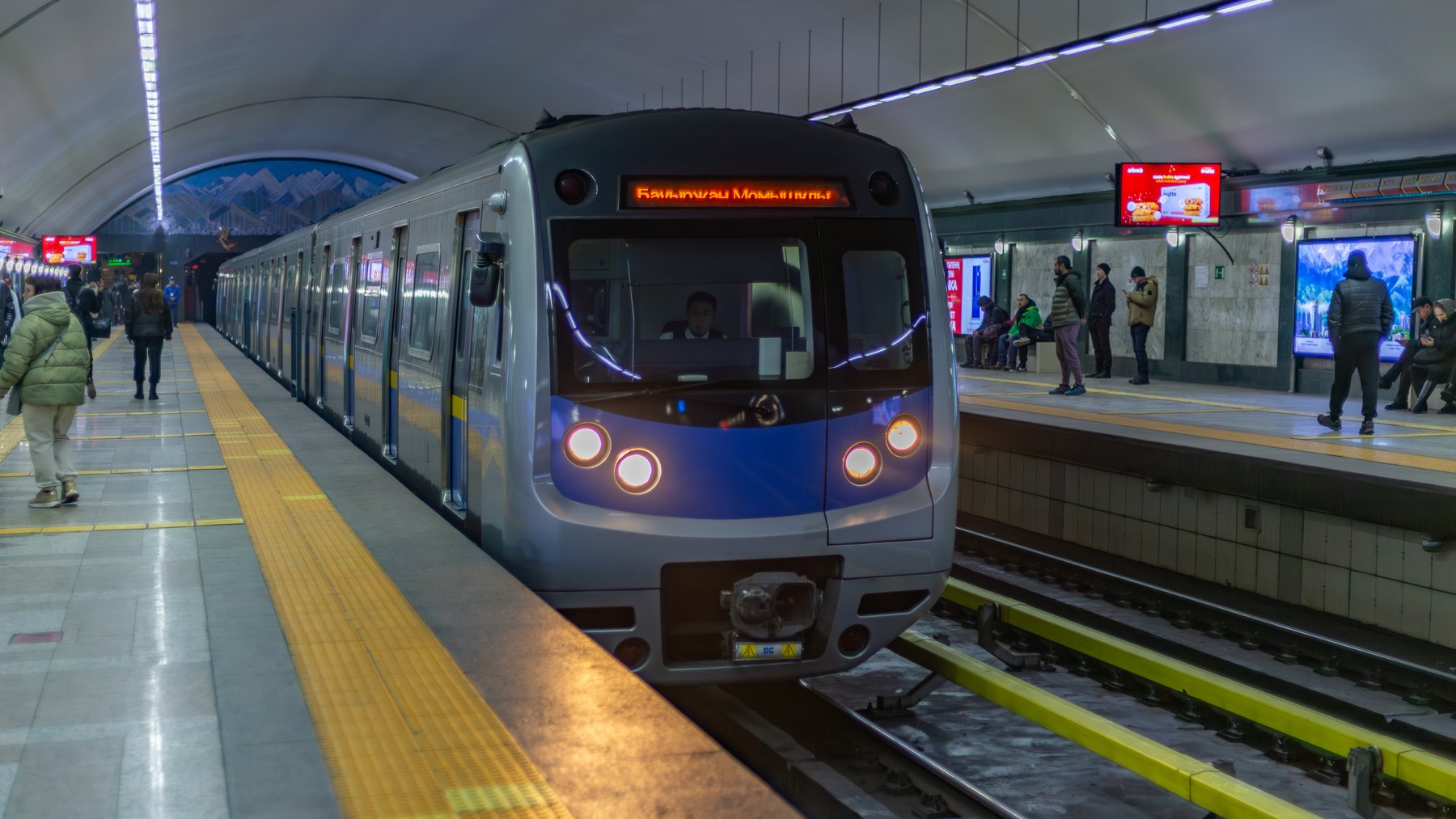
You can pay for a bus or metro journey in Almaty without starting with an app setup. Choose the route that fits what you already have:
- Already have ONAY? With enough balance, use it at the metro's ONAY reader or go straight to registering a bus ride.
- No card, and the metro serves your destination? Buy a token at the station ticket office.
- Need a bus and do not have a card? Prepare a physical ONAY card and its balance before boarding.
Already at the reader? Jump to what the message means if payment has not registered.
A metro trip: ONAY or the ticket office
The metro payment page, checked on 12 November 2026, lists ONAY as an accepted method. If your physical card has sufficient balance, use the designated ONAY reader at the turnstile; you do not need to buy a token as well.
Without ONAY, ask for a token at the ticket office. The same page lists cash and cashless payment there, and a 120-tenge smart token valid for one day. At the gate, follow the station’s token instructions.
The one-day validity isn't an unlimited day pass or a promise of 24 hours from purchase. The metro also sells its own reusable smart card. That is a different product from ONAY, so keep the names separate when asking for what you need.
For the bus, get an ONAY card and some balance
Cash at a metro ticket office is not the same as cash handed to a bus driver. Almaty's official announcement removed cash bus fares from 3 August 2024. Do not use paying the driver in cash as a fallback if your card or app fails.
Buy a physical “Единая” ONAY card and ask how much balance it already has. On 12 November 2026, the card and purchase page listed the card at 800 tenge and a single ride at 120 tenge. Check the balance already on your card before adding more money. The physical-card instructions (FAQ 2) take you from buying to topping up to presenting the card to the reader, without an app-registration step.
One listed purchase point is the ONAY centre in Altyn Taraz. The operator and Google Maps give Abylai Khan Avenue 3A; 2GIS lists it as Abylai Khan 3. The named centre is the useful thing to look for on those maps. Before going out of your way, check that it has a card and can take your payment method.
To top up, open the official top-up page and look for “В СЕТИ ТЕРМИНАЛОВ” if you want a self-service terminal. At the machine or service, check that it accepts your payment method, enter your own ONAY card number and check it before paying. Internet-banking options on the page are described for Kazakhstan-bank customers; do not rely on finding the same service in a foreign banking app.
After topping up, check the available balance before depending on it. FAQ 17 lists balance checks, including “Проверить баланс” (Check balance) on ONAY's website and the “Информация о карте” (Card information) button on the vehicle terminal near the driver. That button checks the balance; it does not pay for this ride. If a top-up service does not accept your payment method, ask ONAY which listed option will work for you.
On the bus, wait for the green light and sound
Money on the card still isn't a paid ride. For the reader shown in ONAY's registration instructions (FAQ 14), hold the card against the lower part for 2–3 seconds. The green indicator and sound confirm registration, and the reader displays the amount. That confirmation, not installing an app or checking the balance, is the result to look for.
Keep the card with you for inspection. The published card contract describes payment for one route run, not a free transfer or an unlimited day. These reader instructions are for that ONAY equipment; a metro token follows the station's own instructions.
If payment has not registered
Read the message, not just the red indicator. For the equipment described in FAQ 14:
- 4xxx: ONAY says the card was removed too quickly. Repeat registration, holding it against the reader as instructed, then look for the green indicator and sound.
- “Карта в стоп-листе” (Card on the stop list): this FAQ associates the message with insufficient funds. Check the available balance and top up if needed; tapping again does not add money.
For other registration problems, FAQ 18 says to check sufficient balance and card damage, hold the card for at least three seconds, and try another terminal. After correcting the problem, register the ride and check its confirmation again. If no terminal confirms it, the ride is still not confirmed as paid. Ask the carrier's staff about an available cashless payment method rather than treating cash to the driver as a solution.
The linked official metro and ONAY pages were checked on 12 November 2026. The undated card contract is used for the ride and inspection rules, not as a complete list of current payment methods. No purchase or physical reader test was performed.
Questions before you go
How much is an ONAY ride?
120 tenge is the standard fare shown by ONAY. For the bus reader described in its instructions, hold the card for 2–3 seconds; the green indicator and sound confirm registration, and the screen displays the amount.
Where can I plan a bus route?
2GIS Almaty shows routes and stops. Check the direction and final stop before boarding; a metro station and a bus station with the same name can be different places.